Begin with an observation
The study collection pairs a material image with an original structural seed and a concrete suggestion for what to change.
Give each end a shaft. Choose what each pedal lifts. Follow the picks, then watch a structure emerge from those relationships.
Explore the loom desk ↗Warpkin keeps threading, tie-up and treadling as separate editable records. A changed assignment recalculates the affected crossings in the drawdown.
Use the chart directly or choose an end, shaft, pick or pedal through labelled controls. Reverse a sequence, repeat its opening part or resize the draft while retaining the existing overlap.
Color comes after structure. Try a warp stripe or a new weft color without changing which thread is on top.
Choose an original study or a blank draft. Adjust its structural records and see the calculated crossings update.
Assign colors to an individual end or pick, or repeat an alternating stripe. Turn the view to inspect the back.
Save a named draft or make an independent variation. Compare actual charts and notes, then export the version you chose.
Toggle one square below. This simple two-shaft example recalculates only the crossings that use that pedal and shaft.
This temporary demonstration stays in the current page.
The study collection pairs a material image with an original structural seed and a concrete suggestion for what to change.
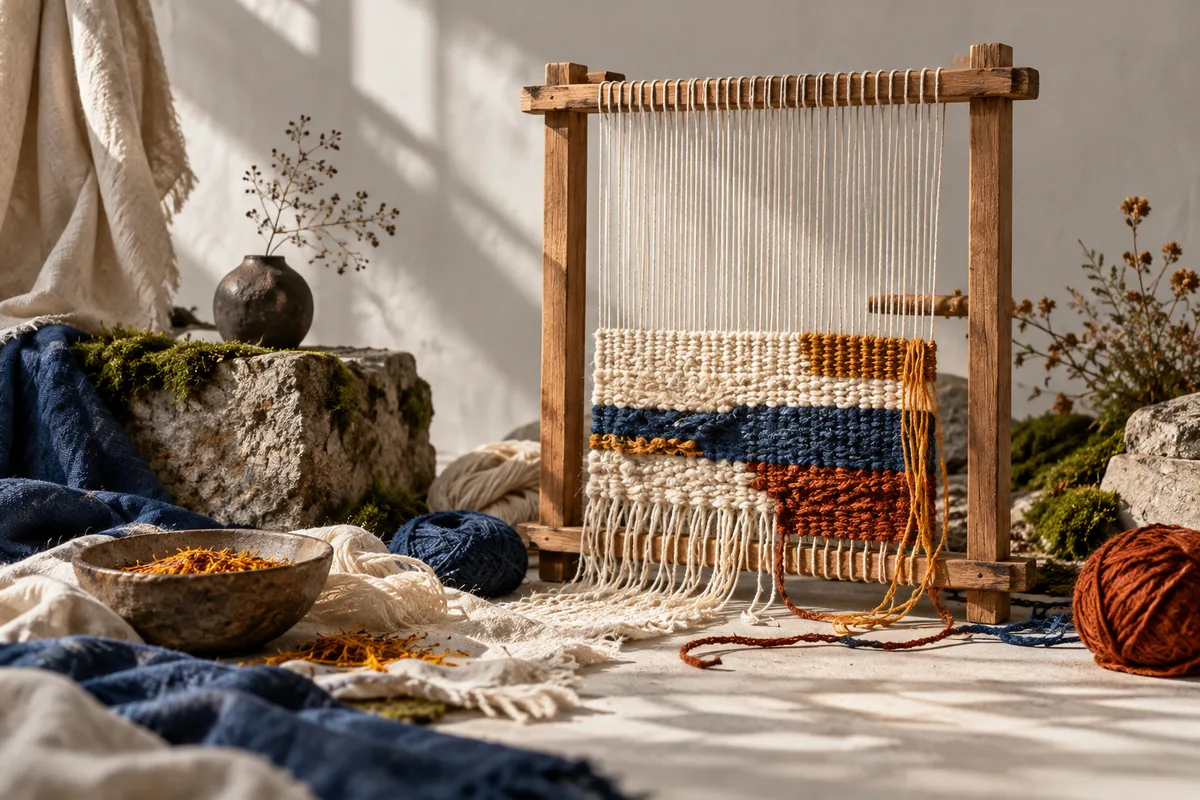
Your diagram is drawn from actual draft data. Decorative images do not stand in for the crossings, dimensions or exported chart.
Notes stay with each draft. A comparison reads the two saved designs and describes their overlapping crossings and palette differences.
Export a PNG of the calculated chart, a CSV with explicit structural axes or the selected draft as JSON. Keep a separate variation whenever you want a lasting alternative.
The studio is a creative planning tool. It does not predict a finished fabric or guarantee suitability for a particular loom or material.
Read how your workspace is kept